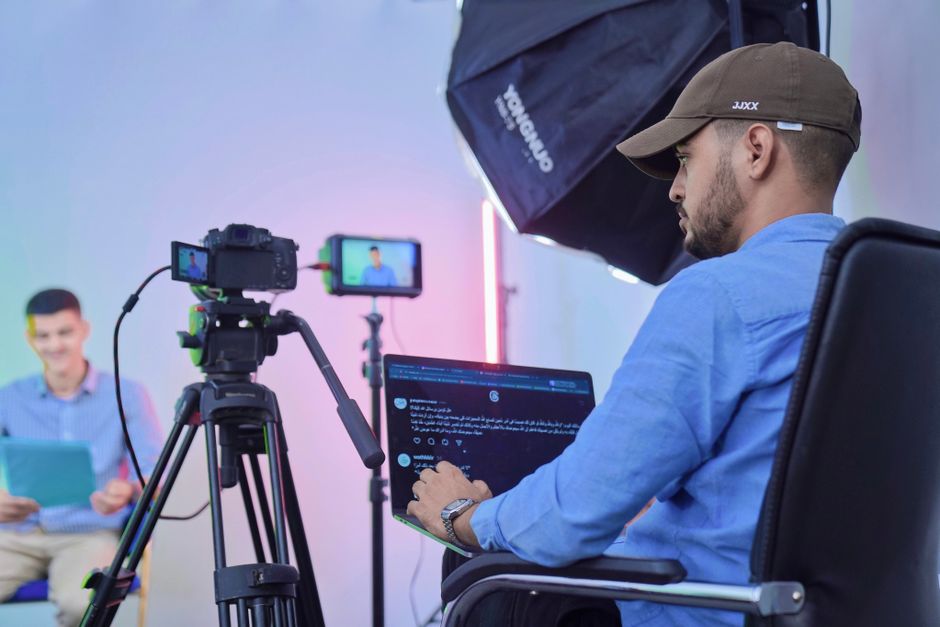
The core answer: EasyJobsApply lets you record a mock interview, use its real‑time interview coach to generate STAR‑structured responses, and then capture the screen and audio to produce a rehearsal video—all without leaving your browser, and it’s completely free for global users. This step‑by‑step guide shows how to set it up for remote roles.
Start by installing the EasyJobsApply Chrome extension and opening the Progressive Web App on your desktop or mobile device. Navigate to the real‑time interview coach side‑panel, select the "Mock Interview" mode, and choose the video‑call platform you’ll emulate (Zoom, Google Meet, or Microsoft Teams). The coach will transcribe your spoken answers and suggest STAR‑formatted phrasing instantly, ensuring each response hits the key competency markers recruiters look for in remote interviews.
Once your mock session is running, use any screen‑recording tool (built‑in on Windows, macOS, or Android) to capture both the video feed and the side‑panel output. Because EasyJobsApply operates locally, the transcription and suggested answers stay private on your device, aligning with GDPR‑compliant practices – see our related post on How does EasyJobsApply handle interview transcription for accented English speakers? for more details. After recording, review the playback to spot any gaps in STAR storytelling, tone, or pacing.
To fine‑tune your responses, copy the AI‑generated answer snippets from the side‑panel into the ATS Resume Checker & Scanner. This tool grades your answer against the specific job description, highlights missing keywords, and offers actionable tips – a perfect way to align your rehearsal script with the exact language recruiters expect in remote hiring platforms such as Workday or Greenhouse. For deeper insight, check our guide on What keywords should I prioritize for a senior data engineer role to boost my ATS score?.
When you’re satisfied with the revised script, run a second mock interview using the AI Cover Letter Generator’s tone analysis to ensure your delivery matches the written cover letter style. This consistency helps you sound authentic across written and spoken applications, a critical factor for multinational remote teams. After the second recording, trim the video, add captions if needed, and store it in the Job Application Tracker for easy reference before the real interview.
Finally, share your rehearsal video with a mentor, career coach, or peer for feedback. Because EasyJobsApply stores all data locally, you control who accesses the file, preserving confidentiality. By iterating through this loop—mock interview, AI‑guided revision, ATS scoring, and video capture—you build a polished, confidence‑boosting rehearsal that showcases your fit for any remote role, from US startups to European enterprises, all without spending a dime.