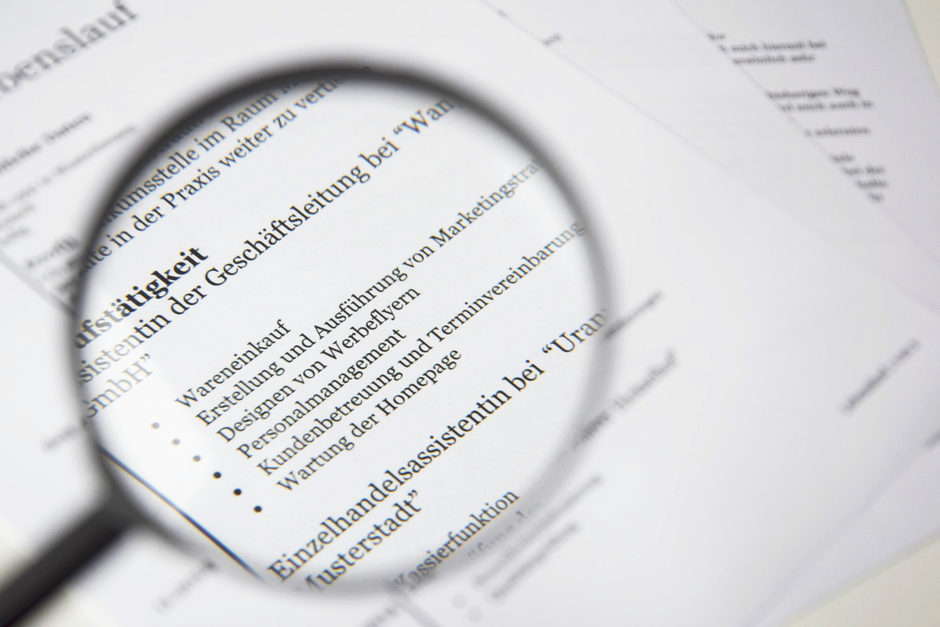
Both Microsoft Word (.docx) and PDF formats can successfully pass modern applicant tracking systems, but .docx provides the highest baseline parsing accuracy across older enterprise systems like Taleo, while standard text-based PDFs are preferred by contemporary platforms like Greenhouse and Lever because they preserve visual formatting identically across all operating systems. Unless a job posting explicitly mandates Word, a cleanly structured, text-selectable PDF is typically the best choice for worldwide corporate applications.
Historically, Microsoft Word (.docx) has been the safest choice for candidates navigating legacy corporate hiring portals. Because .docx files store structured text natively without complex font embedding or layered graphical objects, automated parsing engines can easily strip the text, categorize headers, and extract skills without character distortion. However, Word files carry a visual disadvantage: layout shifts, font substitutions, and margin warping frequently occur when recruiters open .docx resumes on differing operating systems, such as macOS, Linux, or mobile devices.
In contrast, PDF files lock your styling, typography, and layout in place, ensuring the hiring manager sees the exact document you crafted. The only significant risk with PDFs stems from incorrect file creation—such as exporting a resume as a flattened graphic image or utilizing design tools that convert text into non-parseable vectors. Modern enterprise ATS platforms like Workday, Lever, and iCIMS digest standard vector PDFs effortlessly. To understand how specific design and content choices impact automated evaluation, read about how does EasyJobsApply’s ATS resume checker score a résumé for a hybrid tech/non‑tech role to observe how text structures are indexed.
Regardless of whether you choose PDF or Word, testing your document before submission is essential. Using an ats resume checker eliminates guesswork by showing you exactly what automated screeners see. EasyJobsApply includes a free ATS Resume Checker & Scanner that grades your file from A to F and generates a percentage match score against target job postings pulled from LinkedIn, Indeed, or Greenhouse. It highlights critical keyword gaps and missing technical skills, while the AI Resume Tailorer optimizes bullet points to ensure your qualifications parse cleanly into automated databases.
Navigating applicant screening is only the first step in securing a position in today's competitive global market. While candidates frequently seek tools to streamline application submission and auto apply jobs, reaching the interview stage introduces a new set of hurdles. Once your optimized resume passes the initial screening, deploying an ai interview assistant or job interview copilot during live Zoom, Microsoft Teams, or Google Meet conversations ensures you communicate your experience with structured clarity and confidence.
As an all-in-one ai career copilot, EasyJobsApply supports job seekers worldwide from initial tailoring to final offer negotiations. Operating directly in your Chrome side panel or mobile PWA, it keeps your data private on local storage while offering real-time STAR-method interview guidance. For your next application, adhere to any explicit format requests specified in the posting; if no rule is listed, submit a verified, text-based PDF to protect your visual layout, keeping an optimized .docx version ready whenever required.
Related Guide: How to set up an AI interview assistant for Microsoft Teams calls